1
Take or choose a photo
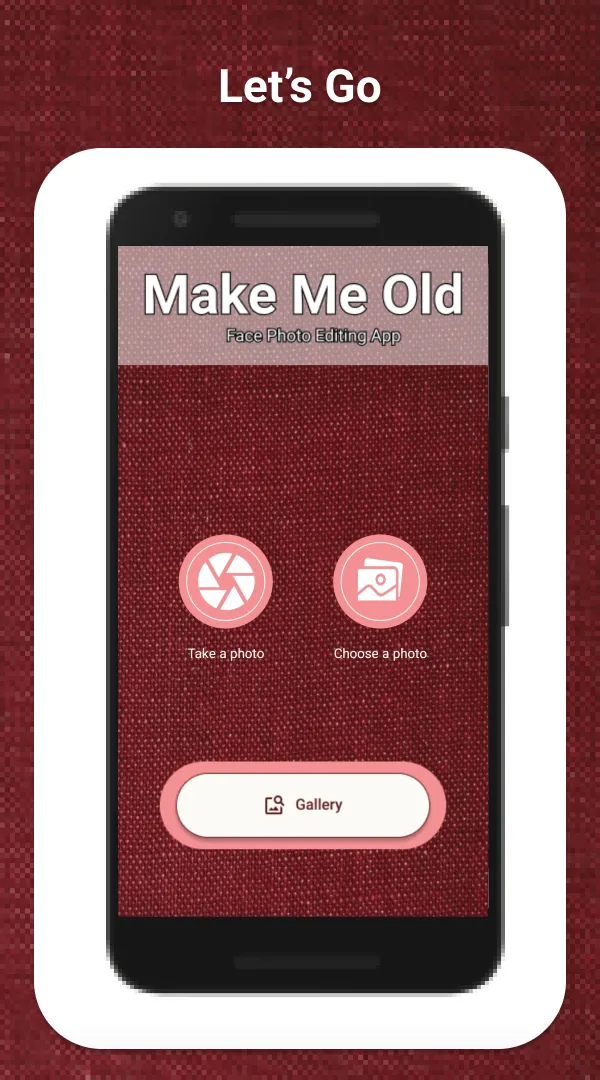
Tap Take a photo to open your camera, or Choose a photo to pick one from your phone. A clear, front-facing face works best.
Free Android photo editor · HighApps
Make Me Old turns a face photo into an older version of the same person. Take a selfie or pick a picture, and the app adds wrinkles, a greyer tone and softer, sagging features. Everything happens on your phone. Your photos are never uploaded.
How it works
No sliders to learn and nothing to sign up for. Pick a face, check the markers, and see the result a moment later.
Tap Take a photo to open your camera, or Choose a photo to pick one from your phone. A clear, front-facing face works best.
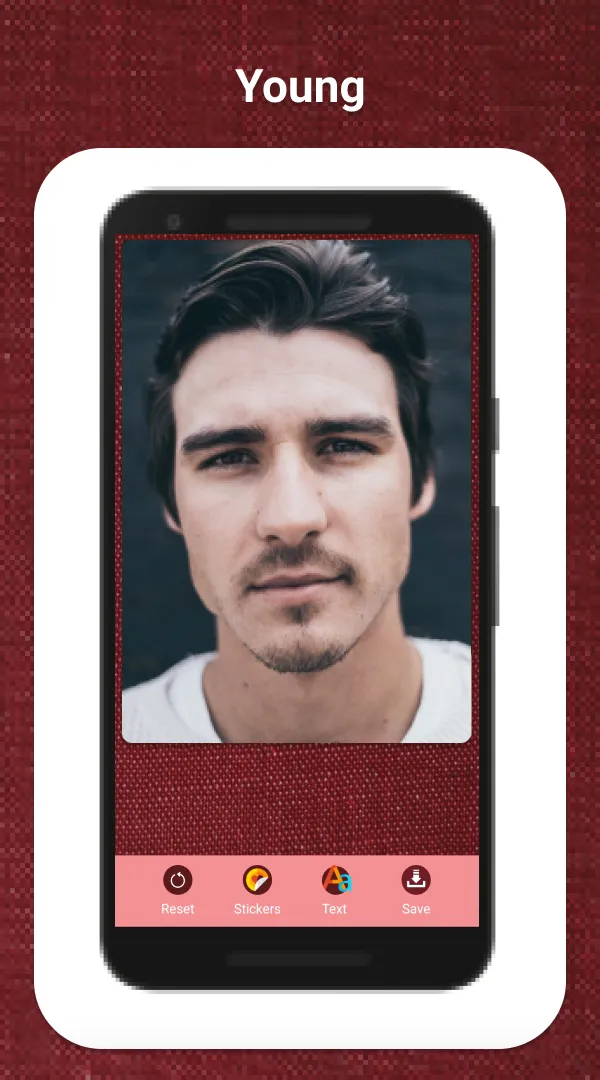
The app finds the face on the device and places markers on the eyes, mouth and chin. Drag any marker that is off, then tap to apply the effect.
Add aged stickers or text, shake the phone to flip between before and after, then save. Saved pictures appear in the app’s Gallery, ready to share.
In the app
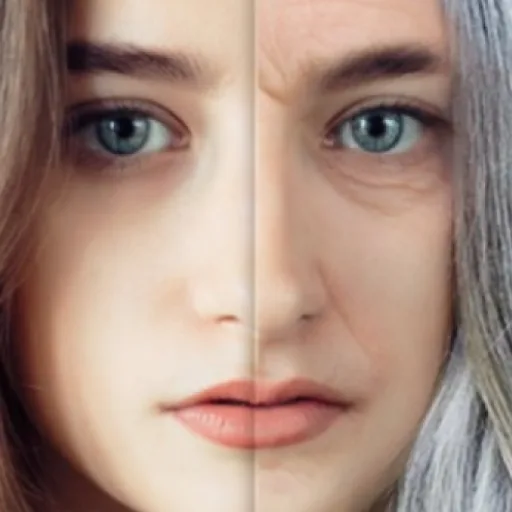
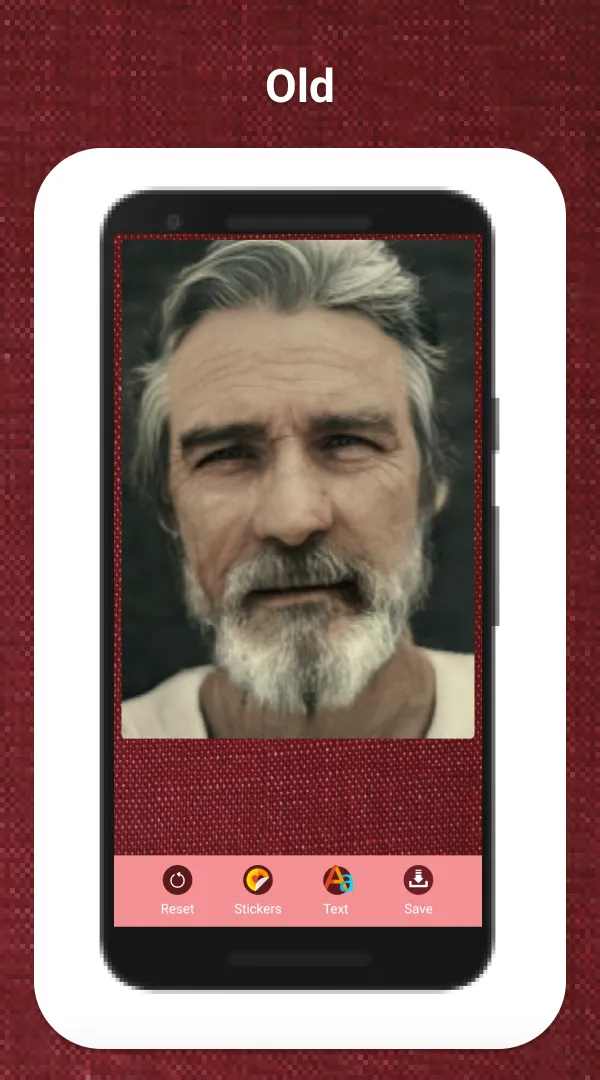
The same photo before and after one tap: forehead and eye lines, deeper folds around the mouth, and a faded, older colour.
Features
A small, focused editor: one effect done properly, plus a few extras to make the picture yours.
Forehead, brow, eye, cheek and mouth wrinkles, a greyer sepia tone and softer features, placed from the markers on the face.
Face detection places the eye, mouth and chin markers for you. Move them by hand when a photo is tilted or half in shadow.
Twenty older mouths and chins to drop onto the face. Move, scale, rotate or flip them until they fit.
Add a caption in one of many fonts, pick a colour from the wheel, and place it anywhere on the picture.
Shake the phone on the result screen to switch between the original face and the aged one.
Saved pictures go to a Make Me Old folder in your Pictures. Mark favourites, delete old ones, or share to WhatsApp, Instagram, Facebook or any app.
Questions
No. Face detection and the ageing effect run on your phone, using Android’s built-in face detector. Your photos are not sent to HighApps or to any online service. A picture leaves your phone only if you share it yourself.
A clear, front-facing photo of one person, with both eyes visible and good light. If no face is found, the app asks you to choose another photo. You can always drag the markers before applying the effect.
Yes. It is free on Google Play and shows ads. There are no in-app purchases and no account. Made by HighApps for Android.
Editing and saving do not need a connection. The internet is used only for ads and Google’s ad consent message.
Free on Google Play. One photo is all it takes.
Studio
How Make Me Old handles your photos, the camera, storage and ads, in one plain policy.
Read the privacy policyTint Meter, Light Meter, Dot To Dot, and the rest of the HighApps catalog.
Visit highapps.am